01
Live theaters
Catharsis, First Theater, and Victory Theater are live-performance venues built on the same stage runtime. They hold maps, tokens, cues, drawings, and other stage objects.
Victory combines live, role-aware stage venues with the tools needed to write, plan, store, and revisit a production.
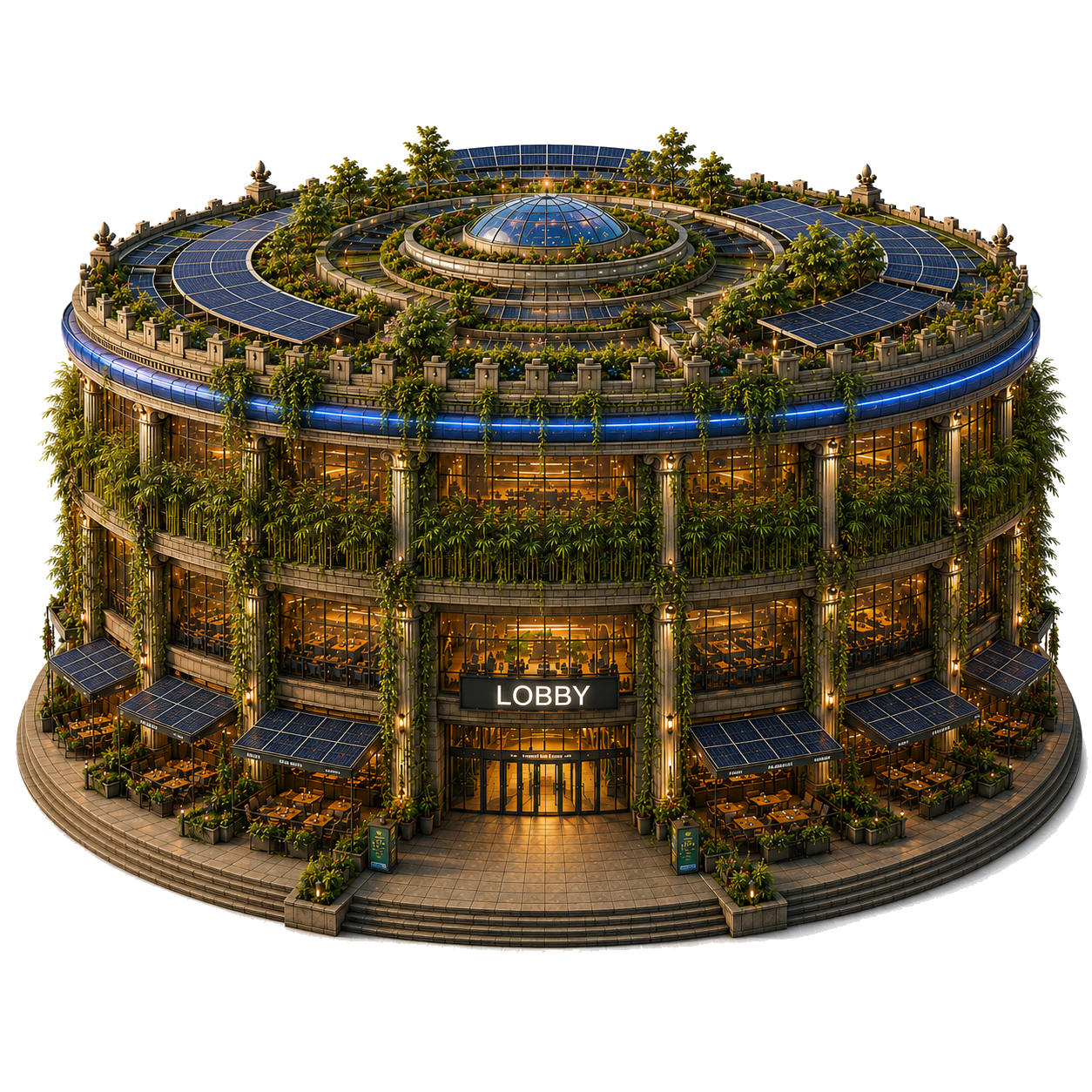
Victory is built for stories that have a world behind them and a performance in front of them. The live theaters power the VTT, while Storyboards, writing tools, the Library, and production spaces support everything that happens before and after a Showing.
Catharsis, First Theater, and Victory Theater are live-performance venues built on the same stage runtime. They hold maps, tokens, cues, drawings, and other stage objects.
A spatial planning surface for arranging cards, columns, rows, and bands before material is placed on the live stage.
eWrite is Victory’s Markdown-based authoring system for manuscripts, Rulesets, and Skill Directories. Writer’s Room is where this work is written and revised.
Library holds reusable Scenes and reference material. Workshop and Warehouse support asset composition, storage, metadata, and permissions.
These terms describe different levels of the system. A Show persists over time; a Showing is one performance; Showtime is the live state of that performance.
One installation’s top-level container: venues, people, and its Operator.
Title, roster, Scenes, Storyboards, and rules-native content.
One scheduled or audience-facing performance of a Show.
The stage is running and each participant receives the appropriate projection.
Use eWrite for manuscripts, Rulesets, and Skill Directories. This is the rules and reference layer.
Use Storyboards to structure cards and events, and the Library to keep reusable Scenes and reference content available.
Producers and Directors handle roster, scheduling, Scenes, cues, and other production work in the backstage venues.
The live venue composes the stage and synchronizes the session. Cast, Crew, Directors, and Audience see the parts intended for them.
Static HTML/CSS/JavaScript surfaces, Vue for newer interaction-heavy venues, and PixiJS as the renderer for stage composition.
Go services with domain packages for access, participation, Show Runs, Scenes, Storyboards, eWrite, and related concerns.
Postgres persistence for accounts, productions, rosters, Scenes, permissions, and authored content; WebSockets for live session synchronization.
Discord identity, chat, and audio surfaces; Caddy serves the frontend and routes application traffic. See the full technical brief for the current system shape.
This explainer is meant to be useful to people who did not build Victory. Use the feedback form to point out confusing language, missing context, or technical details that should be documented here.